Business Plan: A Powerful Tool for Presenting Your Vision
A Business Plan is more than just a document; it's a roadmap that outlines your company’s goals, strategies, and operations. Whether you're seeking funding from investors or collaborating with business partners, a well-crafted Business Plan can make all the difference. It serves as an essential communication tool, helping stakeholders understand your vision, strengths, and future direction.
What Is a Business Plan?
In simple terms, a Business Plan is a structured summary of your business idea. It typically includes sections like executive summary, market analysis, organizational structure, financial projections, and marketing strategy. A good Business Plan not only defines what your business does but also how it plans to achieve success in a competitive environment.
Why You Should Care About a Professional Business Plan Template
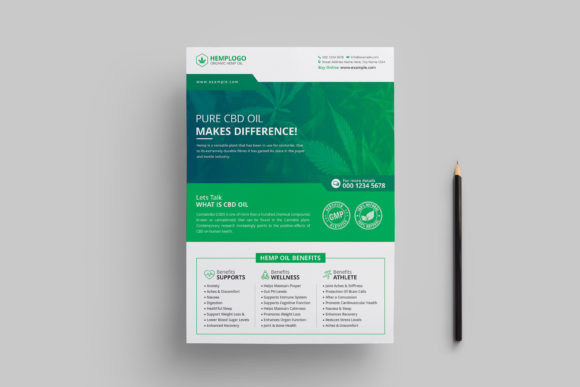
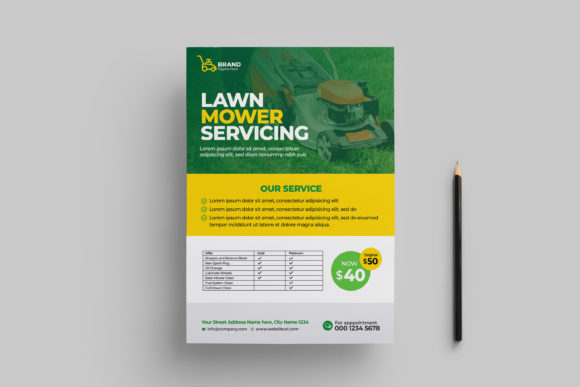
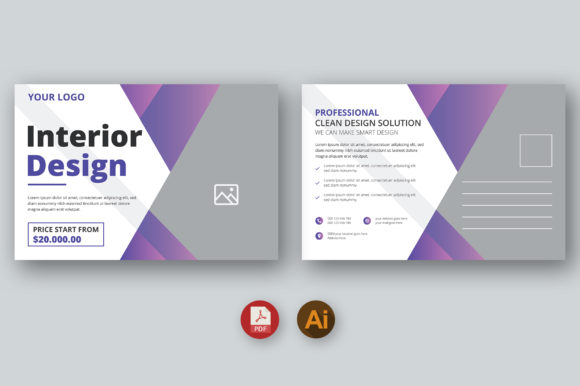
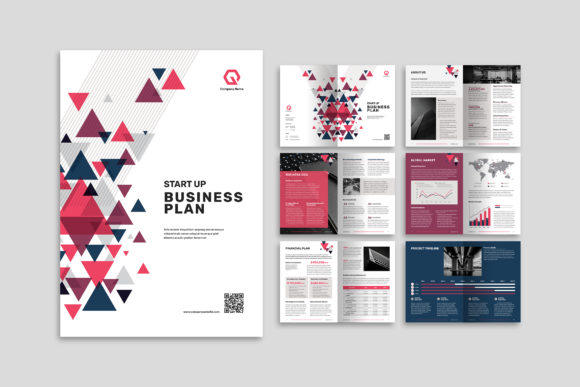
Creating a compelling Business Plan doesn't require design expertise. A professional and simple Business Plan Template can help you showcase your business effectively. These templates are designed for use as information books, presentation books, proposals, magazines, and annual reports. They allow you to present complex data in a clear, attractive format without getting bogged down by formatting issues.
Common Mistakes When Choosing a Business Plan Template
- Picking a template based solely on aesthetics: While visual appeal matters, functionality is equally important. A flashy template might look good but could hinder readability if it's cluttered or poorly organized.
- Ignoring customization options: Many users download a template only to realize they can't change key elements like colors, fonts, or layout. This can lead to wasted time and effort trying to force content into a rigid structure.
- Not checking technical specifications: If your goal is print-ready output, using a template that isn’t compatible with professional printing standards (like CMYK color mode or proper bleed settings) can result in poor-quality prints.
How These Mistakes Can Impact Your Business Presentation
Choosing the wrong template can affect how seriously your business is taken. Investors and partners often form first impressions based on professionalism. A misaligned font or unclear chart might suggest disorganization or lack of attention to detail. Similarly, if your Business Plan isn't optimized for print, it could end up looking unpolished or even unusable when shared physically.
Practical Tips to Avoid Common Pitfalls
Here’s how to choose and use a Business Plan Template wisely:
1. Prioritize Clarity Over Style
Always start with content clarity. Choose a template that supports easy navigation and logical flow. Use headings, bullet points, and white space strategically to highlight key information. For example, instead of cramming too much text onto one page, break it into digestible sections with appropriate titles.
2. Ensure Full Customization
Look for templates that offer full editability—especially in tools like Adobe InDesign. The ability to modify text, insert your own photos, charts, and diagrams ensures your Business Plan reflects your brand identity accurately. A customizable background and shape color palette lets you align the design with your corporate branding.
3. Verify Technical Print Requirements
If you plan to print your Business Plan, confirm the template meets industry standards. Specifications like A4 size (21cm x 29.7cm), 3 mm bleeding, and CMYK color mode at 300 DPI are critical. Ignoring these details can cost extra in revisions or print rejections.
4. Use Free Fonts Wisely
Some templates include free fonts that might not be ideal for every project. Check if the fonts used are suitable for both digital and print formats. If necessary, replace them with licensed alternatives that match your tone and target audience.
Realistic Examples and Better Approaches
Let’s consider two scenarios:
Example 1: The Overlooked Bleed Setting
An entrepreneur downloads a Business Plan Template for their startup's pitch deck. They don’t check the bleed settings before sending it to a printer. The final product has small white borders around each page, which looks unprofessional. A better approach would have been to review the template’s print specifications and ensure all pages are set up properly for trimming.
Example 2: Misusing Charts and Diagrams
A small business owner inserts stock images of charts and diagrams into their Business Plan, assuming it will enhance the proposal. However, the visuals don’t reflect actual business data, leading to confusion during investor meetings. Instead, using real data and customizing the visuals in the template makes the presentation more credible and impactful.
Things to Check Before Finalizing Your Business Plan Template
- Is it editable in Adobe InDesign? This allows for precise control over layout and design, which is especially useful for those who need to tweak multiple aspects of the document.
- Does it support high-resolution images? Low-res graphics can appear pixelated in print or online. Make sure the template works well with 300 DPI images.
- Are there smart layers for easy editing? Templates with neatly organized layers save time and reduce errors when making changes.
- Can I add my logo and branding easily? Look for templates where placeholders are clearly marked and consistent with your brand guidelines.
Conclusion
Using a Business Plan Template is a smart move for entrepreneurs and professionals aiming to communicate their ideas effectively. By avoiding common mistakes such as ignoring technical specs, relying on non-editable designs, or prioritizing style over substance, you can create a polished, professional document that impresses stakeholders. Always take the time to evaluate your template choice carefully, and remember that a clean, functional design speaks volumes about your business acumen and attention to detail.